Globe One App Download

If you are a Globe user, the Globe One app is the most innovative way to manage all your services in one place. With the Globe One app on your Android or iPhone, checking your balance is simple. You can also buy load, register promos, and track your data usage all in one place. Download it now to make everything easier!
Before using the app, ensure your SIM is already registered. If not, follow our simple guide to register your Globe SIM. This keeps your number active and fully supported in the Globe One app.
In this article, you will find out how to:
- Download the Globe One app.
- Log in to your account.
- Explore its features.
You will also see why millions of Globe users depend on it daily.
What Is the Globe One App?
The Globe One app is a handy mobile tool. It helps Globe Prepaid, Postpaid, TM, and Globe At Home users manage their accounts easily. Instead of calling customer support or visiting a store, you can handle most tasks directly through the app.
Globe customers love the app. It saves time, offers transparency, and gives complete control over all Globe services on your phone. These are features you get in the Globe One App.
- Register for Globe promos in one tap.
- Pay bills and track your postpaid usage.
- Redeem Globe Rewards points.
- Check your load balance and data usage instantly.
- Manage Globe At Home Wi-Fi and broadband accounts.
- Get real-time notifications about promotions, data, and bills.
Globe One App Download Guide
Downloading the Globe One app is quick and easy, whether you’re using an Android or an iPhone. Ensure you install the app only from official stores to avoid errors and security issues.
Download the Globe One App on Android
Follow these steps if you are using any Android device
- Open the Google Play Store on your phone.
- Search for “Globe One.”
- Tap on the official GlobeOne app from Globe Telecom.
- Click install and wait for the download to complete.
- Once installed, open the app and log in with your Globe number or email.
How to Download the Globe One App on iPhone (iOS)
For iPhone or iPad users:
- Open the Apple App Store.
- In the search bar, type “Globe One App”.
- Tap the official Globe One application.
- Tap Get to download.
- Open the app and proceed with login or account setup.
Device Compatibility and Safe Download Sources
To enjoy a smooth and seamless experience, your device must meet the recommended system requirements. The Globe One app now loads faster, runs smoothly, and supports the latest features.
Device Compatibility Requirements
For best performance, ensure your device meets the following requirements. These requirements help the app run efficiently without crashes or lag.
- Android: OS version 8.0 (Oreo) or higher
- iOS: version 12.0 or higher
- A minimum of 2GB RAM is recommended for smooth multitasking.
- At least 300 MB of free storage for installation and updates
- A stable 4G/5G or Wi-Fi connection
Trusted and Official Download Sources
Always download the Globe One app from safe and verified platforms. Using trusted platforms protects your device from fake apps, security risks, and outdated versions.
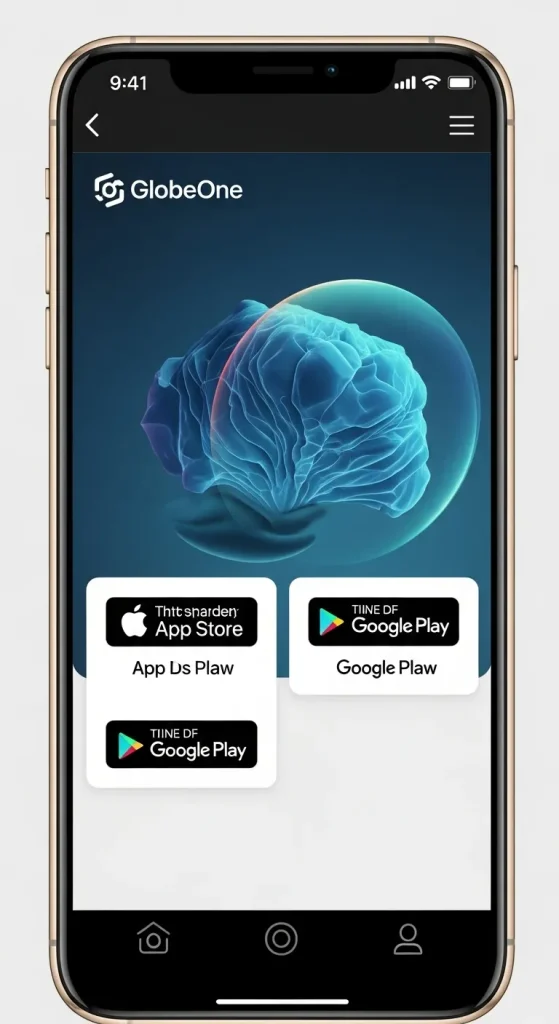
- Google Play Store (Android): The official and secure Globe listing.
- Apple App Store (iOS): Verified and regularly updated
- Globe Official Website: You can find direct links to the latest app version in the “Apps” section.
How to Create a Globe One Account (Step by Step)
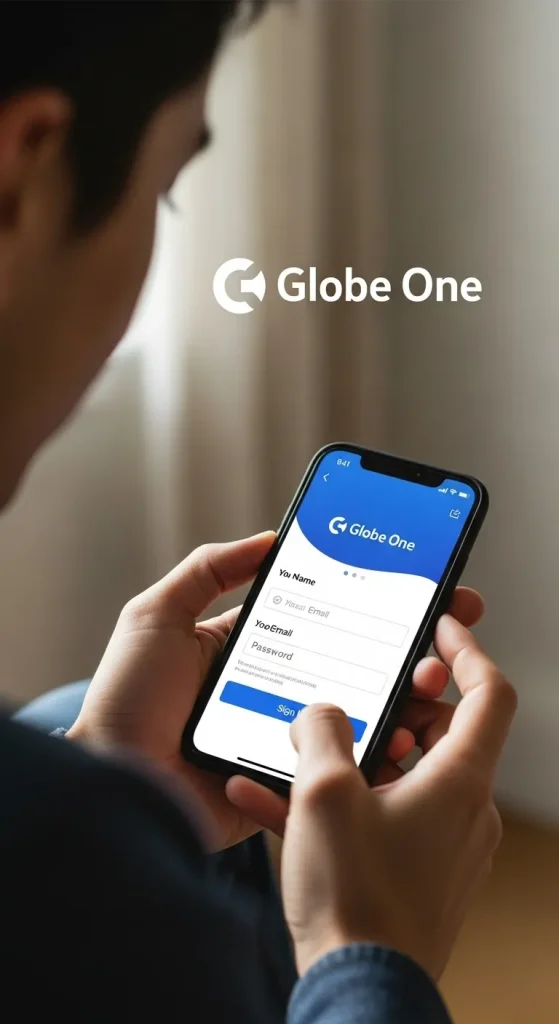
- Install the Globe One app from the Google Play Store (Android) or the Apple App Store (iOS).
- Open the app and tap “Create Account.”
- Enter your Globe mobile number (or email address).
- Tap Next or Send OTP.
- Wait for the 6-digit OTP sent via SMS or email.
- Enter the OTP and tap Verify.
- Set a strong password and confirm it.
- Fill out any required profile information (name, birthdate, etc.).
- Tap ‘Finish’ or ‘Go to Dashboard’ to complete the setup.
Tip: Make sure your Globe SIM is active and registered before creating an account.
How to Log In to Your Globe One Account
- Open the Globe One app.
- Tap Log In.
- Enter your registered mobile number or email.
- Enter your password.
- Tap Sign In.
- If prompted, enter the OTP or 2FA verification code.
- You will be redirected to the Globe One dashboard.
How to Reset Your Password
- Tap “Forgot Password” on the login screen.
- Type your registered phone number or email, then tap Submit.
- You will receive a password reset OTP via SMS or email.
- Enter the OTP and set a new password.
- Confirm your new password and log in again.
Common Login Issues and Fixes
OTP not received
Confirm that your number/email is correct.
- OTP not received:
- Toggle Airplane Mode or restart your device.
- Request the OTP again after 1–2 minutes.
- Try the email option if SMS fails.
- Contact Globe Support if you do not receive the OTP.
2. App not loading/errors:
- Check your internet connection.
- Update the app to the latest version.
- Clear app cache (Android) → Settings → Apps → Globe One → Storage → Clear cache.
- Restart the app or device.
- Uninstall and reinstall if the issue persists.
3. Password or login issues:
- Please ensure you have typed your password correctly.
- Retry the Forgot Password flow.
- If using Google/Facebook login, try signing in through those linked accounts.
Advanced Tips for Strong security and Smooth Performance
- Use a strong, unique password to protect your account from unauthorized access.
- Enable a device PIN, fingerprint, or Face ID for an extra layer of security.
- Keep your Globe SIM active and registered. This way, you will get OTPs and notifications without interruption.
- Download apps only from official stores (Google Play or Apple App Store) to avoid malware and unsafe versions.
- Log out on shared or public devices to prevent others from accessing your account.
- Never share your OTP with anyone, not even with someone claiming to be support.
Main Features of the Globe One App
The Globe One app is designed to give Globe users complete control over their accounts. The app has many features for prepaid, postpaid, and home internet services. It makes managing your Globe services quick and easy.
Check Load Balance and Data Usage
With the Globe One app, you can quickly check your load and data balance. This way, you won’t run out of credits unexpectedly. The app allows you to track daily, weekly, or monthly usage, making it easy to monitor consumption and plan your load purchases. This feature helps users stay on top of their usage and avoid unnecessary charges.
Redeem Globe Rewards
Globe One users can easily track and utilize their reward points from various Globe transactions. Points can be exchanged for free load, exclusive promos, or special discounts, all directly from the app. The app also provides a history of your redemptions, making it easy to manage your rewards efficiently.
Buy Load and Register Promos
The app makes buying load and registering for Globe promos extremely convenient. You can purchase prepaid load anytime, without the need to visit a store or dial complicated USSD codes. Globe One also allows you to activate exclusive promotions directly from your dashboard. This saves time and helps you get the best deals.
Manage Globe At Home Wi-Fi and Broadband
For Globe At Home subscribers, the app offers a convenient way to monitor WiFi usage and account details. You can check your data use, view billing info, pay bills, and manage devices on your network. This feature ensures you stay in control of your home internet efficiently.
Track Postpaid Bills and Payments
Postpaid users can view their monthly statements, payment history, and plan details through the Globe One app. You can also pay your bills securely without leaving the app. Get real-time notifications for upcoming payments and promotions. This helps you avoid late fees and stay up to date on your account.
Receive Real-Time Notifications
Globe One keeps users informed. It sends real-time alerts for promos, load top-ups, data expiration, and billing reminders. These notifications keep you always aware of your account status and ensure you never miss an important update or deal.
How to Use the GlobeOne App for Different Globe Services
The GlobeOne app makes it easy for Globe users. You can manage accounts, track usage, pay bills, and access services at any time. Use Globe Prepaid, Postpaid, or Globe At Home? The app keeps everything in one place for quick, easy control.
For Globe Prepaid Users: Load, Promos, and Data Monitoring
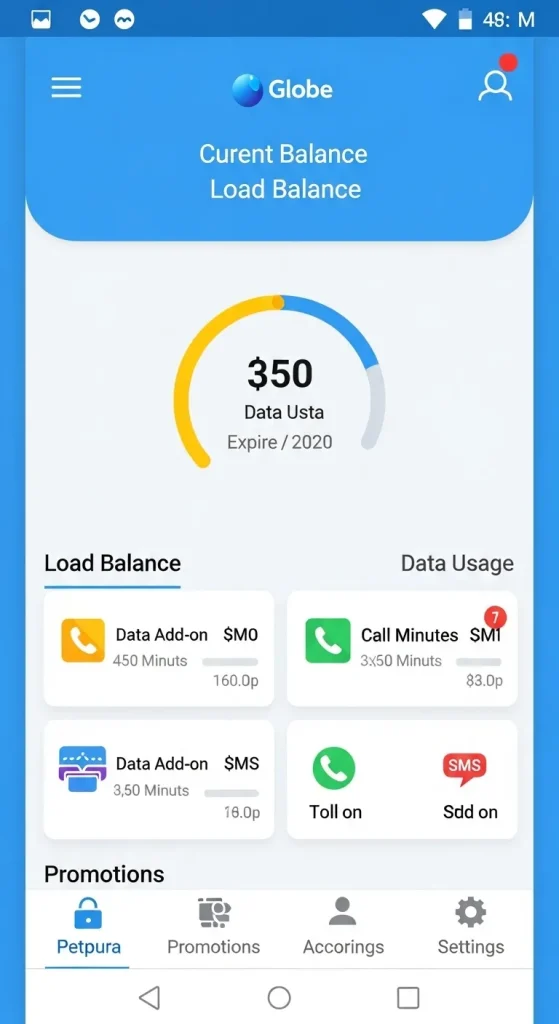
- Check your load balance and data balance instantly.
- Register for exclusive Globe Prepaid promos, including call, text, and data bundles.
- Track real-time data usage to avoid unexpected deductions.
- Manage your prepaid account without visiting a store or dialing short codes.
For Globe Postpaid Users, Bills, plan Details, and Upgrades
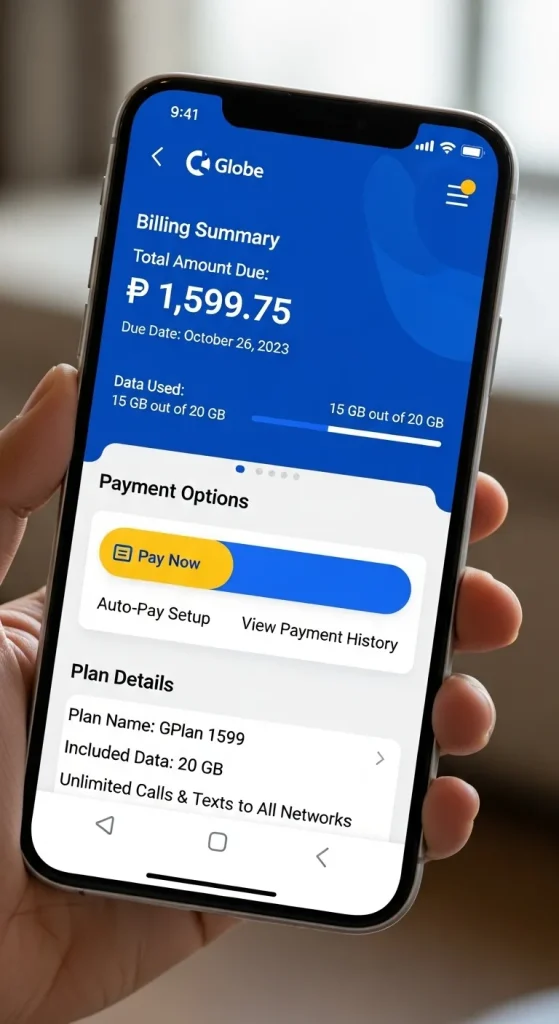
- View your monthly Globe Postpaid bill and full payment history.
- Review your current plan details, including add-ons and past statements.
- Pay Globe Postpaid bills securely through the app.
- Check out available plans and upgrade your Globe Postpaid plan online. No need to visit a store
For Globe At Home Users
Track your Globe At Home WiFi usage and monitor data consumption. View billing history and pay your Globe At Home internet bill directly. Manage devices connected to your home WiFi and adjust basic settings. Keep your home network optimized and avoid exceeding data limits.
Why You Should Use the Latest Globe One App Version
Keeping the Globe One app updated ensures you get the best performance, security, and access to new features. The latest version offers a smoother experience and helps prevent common issues that may arise in older versions.
Faster Performance
The latest version of the Globe One app is optimized for speed and performance. Updates usually bring better navigation, faster load times, and fewer app crashes. Using an outdated version may slow down your experience and prevent some features from working correctly.
Access to Updated Features
Globe frequently adds new features and exclusive promos to the app. Update to the latest version to access new perks. Enjoy reward programs, special offers, and easier management of your Globe services.
Improved security
Each update also strengthens the app’s security to protect your personal data and Globe account. The latest version has security patches. They help avoid unauthorized access and protect sensitive information, such as your billing and account details.
Better Compatibility
New versions of the Globe One app are designed to work seamlessly with the latest Android and iOS updates. Updating keeps your app working well with your device. It helps avoid crashes or errors that may occur in older versions.
FAQs
Can I use Globe One without a Globe SIM?
No, you need an active Globe SIM to access the app fully. Some features need verification through your registered mobile number. This includes checking balances and registering promotions.
Is the Globe One app free to use?
The app is entirely free to download and use. Standard data charges may apply, depending on your mobile or WiFi plan, when accessing the app.
What is the difference between Globe One and the Globe At Home app?
The Globe One app is a comprehensive platform for all Globe Prepaid, Postpaid, and Globe At Home users. The Globe At Home app focuses only on managing home WiFi and broadband services. Using Globe One allows you to manage both mobile and home internet services in one place.
How do I update the Globe One app to the latest version?
- For Android devices: go to Google Play Store → My Apps → Globe One → Update.
- For iOS, open the App Store → Updates → Globe One → Update. Always download updates from official sources to avoid security risks.
Why can’t I log in to Globe One?
You may not be able to log in because of a wrong password, network issues, an inactive SIM, or an outdated app. Try updating the app, checking your SIM card, and using the ‘Forgot Password’ feature if needed.
Can I redeem Globe Rewards in the app?
Yes, Globe One allows you to view and utilize your reward points. You can get free load, promos, or special discounts right from the app. Your redemption history is also available for tracking purposes.
Conclusion
The Globe One app is the best tool for managing all your Globe services efficiently. You can check balances, register promos, pay bills, and redeem rewards in one place. This is true whether you’re a prepaid user, a postpaid subscriber, or a Globe At Home customer.
By keeping the app updated and using it regularly, you can fully utilize its features while minimizing standard login and performance issues. If you have any problems or need assistance, the Globe customer service team is available to help with account or app-related questions.
For more tips on managing your Globe services, please read our article on Globe At Home WiFi. It will help you optimize your home internet experience.